3D VR Training Experience of a Drone Control Center
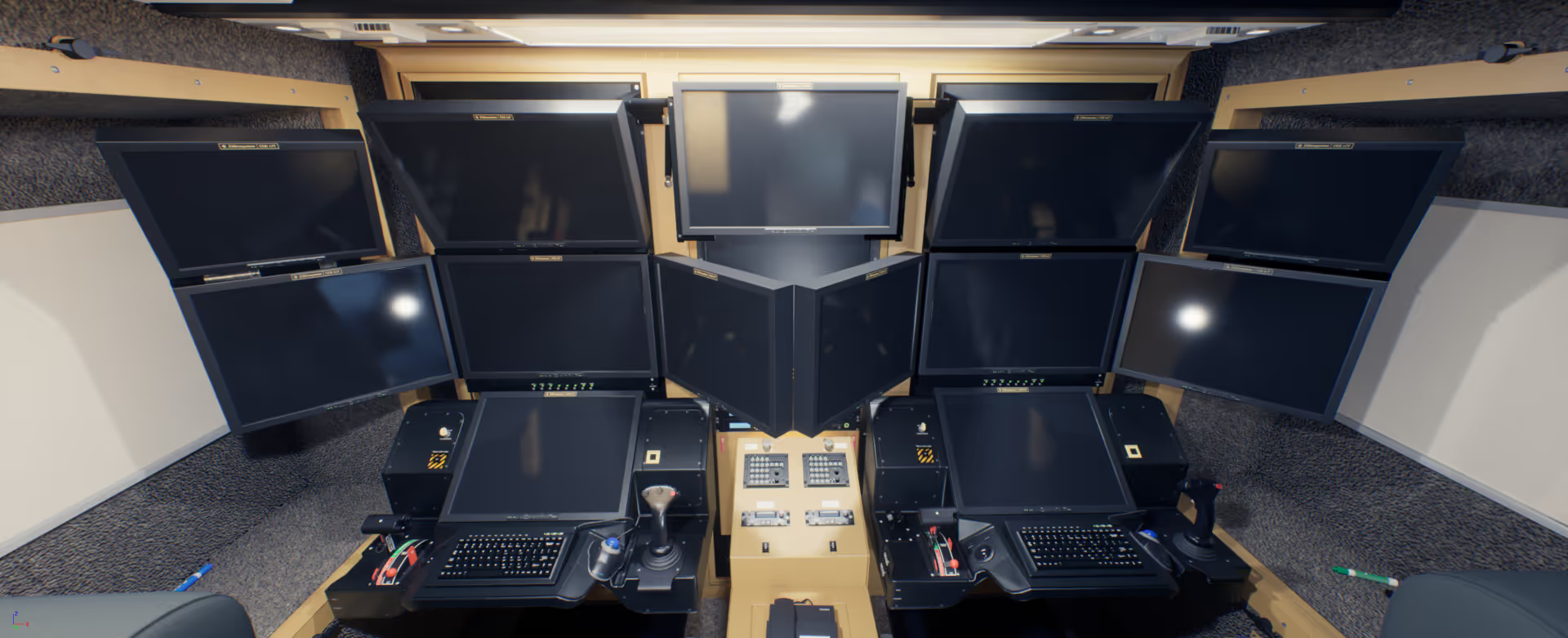
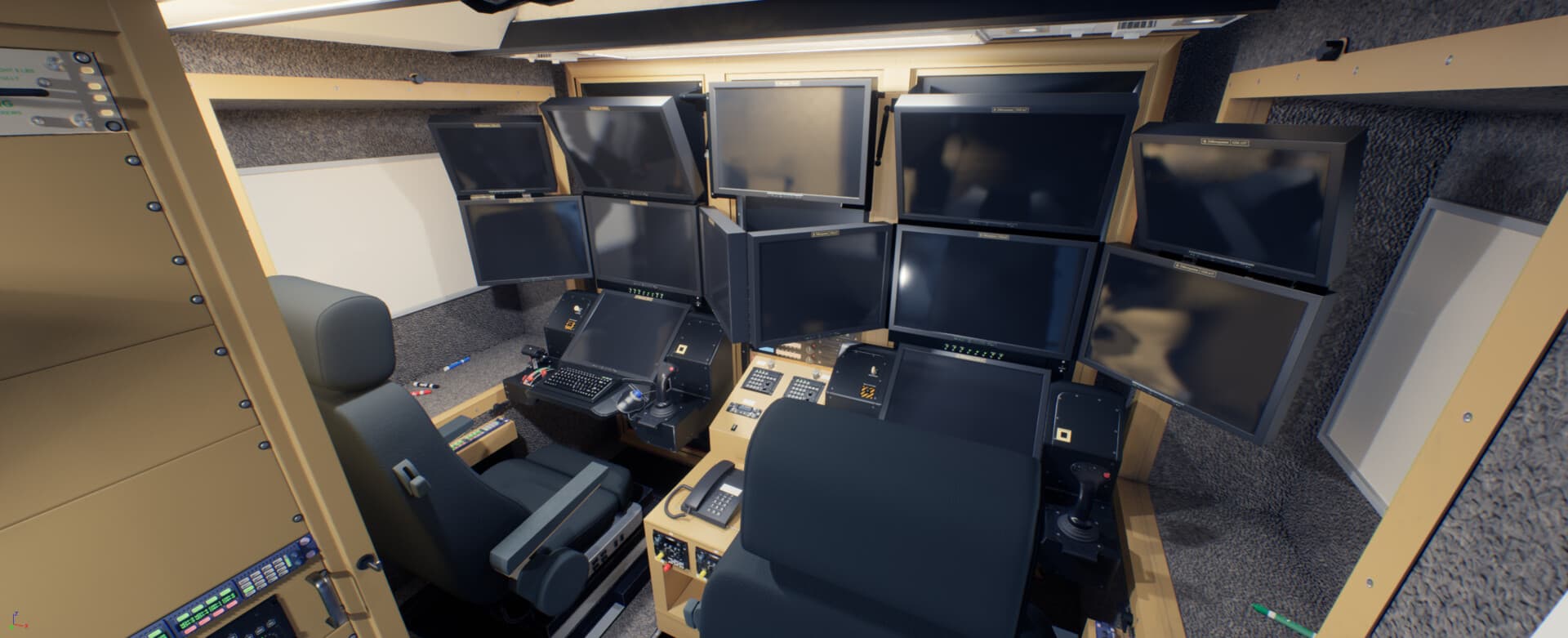
As part of Moth+Flame's VR training solutions, I was tasked with leading a team of 3D designers to create a fully functional real-time 3D scene for a control cabin.
The purpose of this VR experience is to train personnel using the system without sacrificing precious operational hours.
* The original experience was designed to run in Unity. The renders shown in this case study were created using Unreal Engine.
Achieving super optimized photo-realism for VR headsets
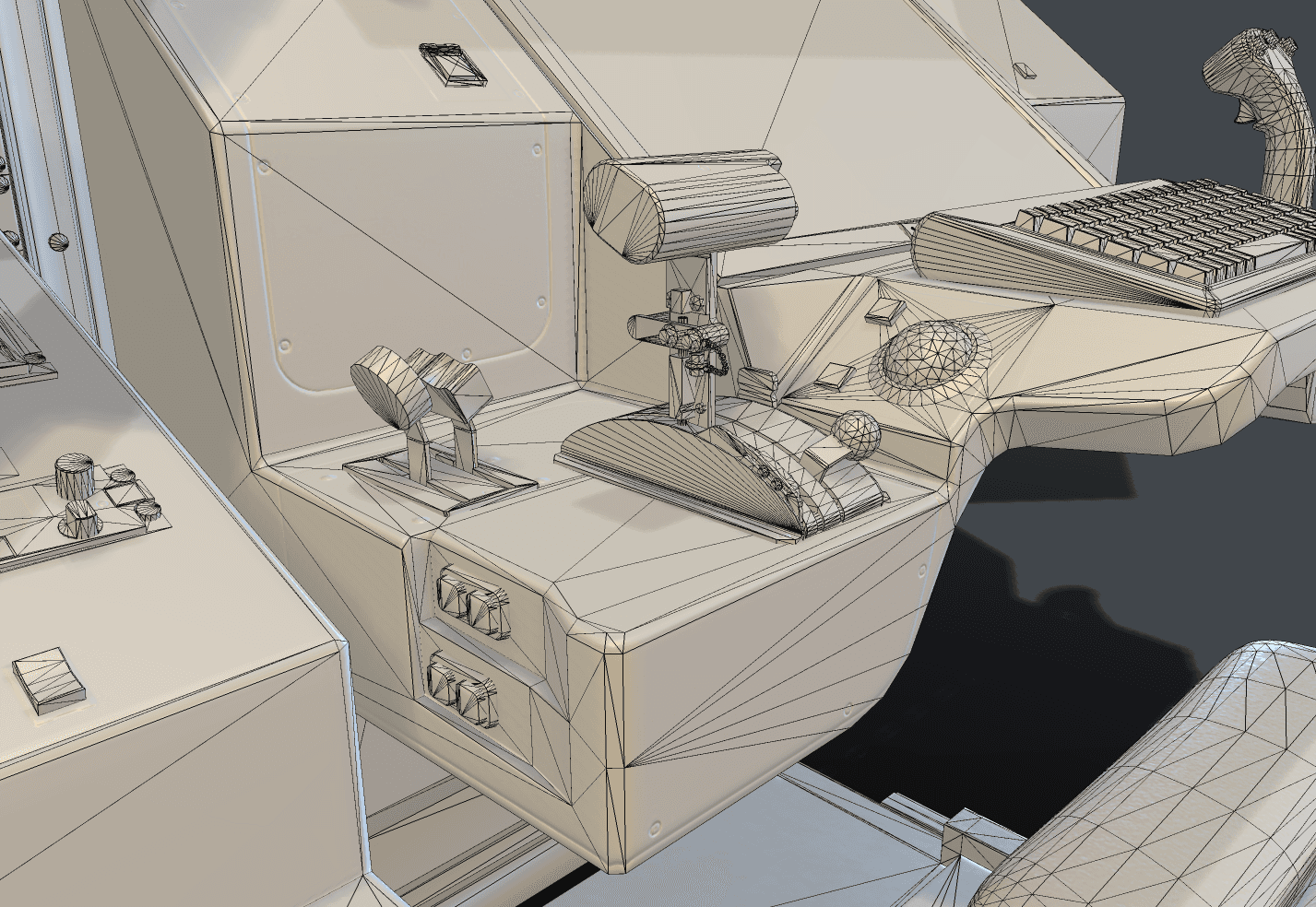
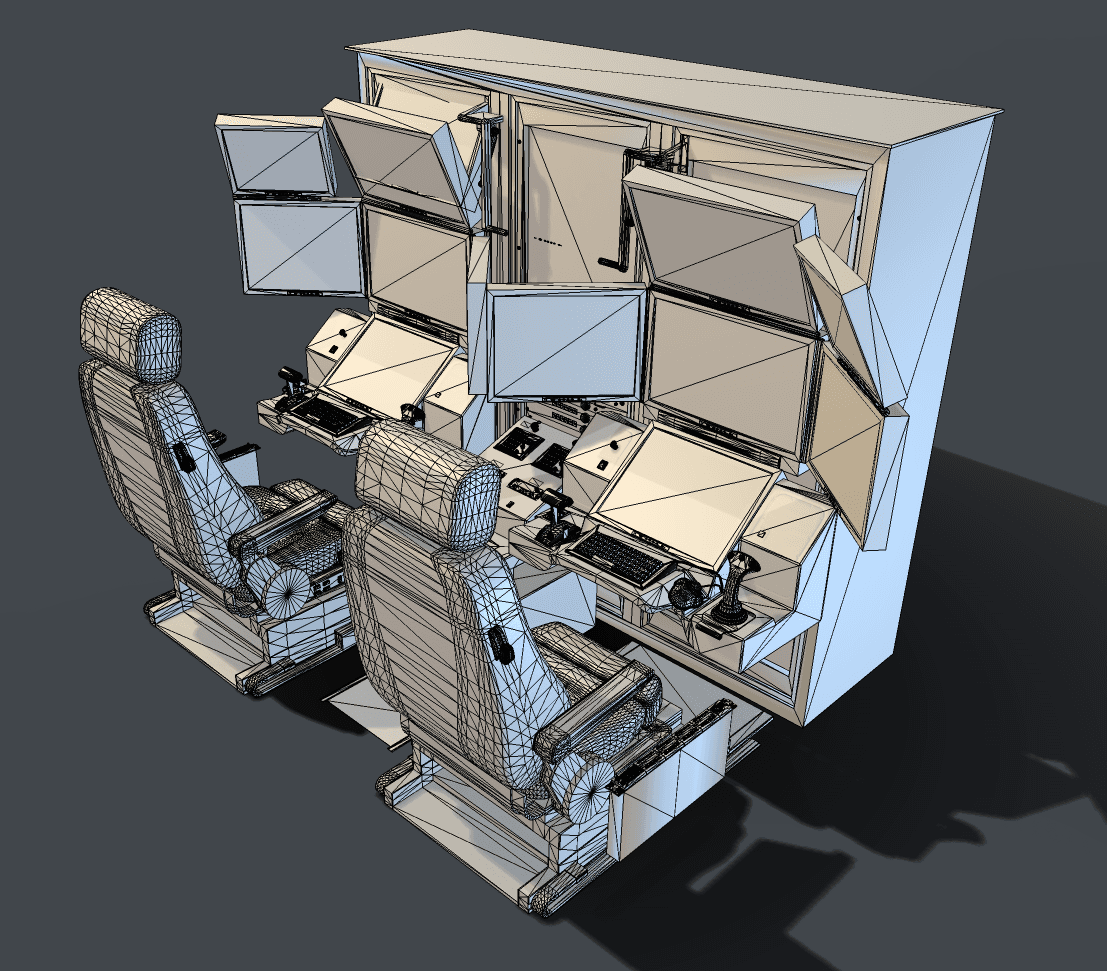
To create an optimized, smooth experience with very high FPS, we had to optimize the heck out of our geometry and lighting, all the while with keeping everything as photorealistic as possible.
Realism and Accuracy
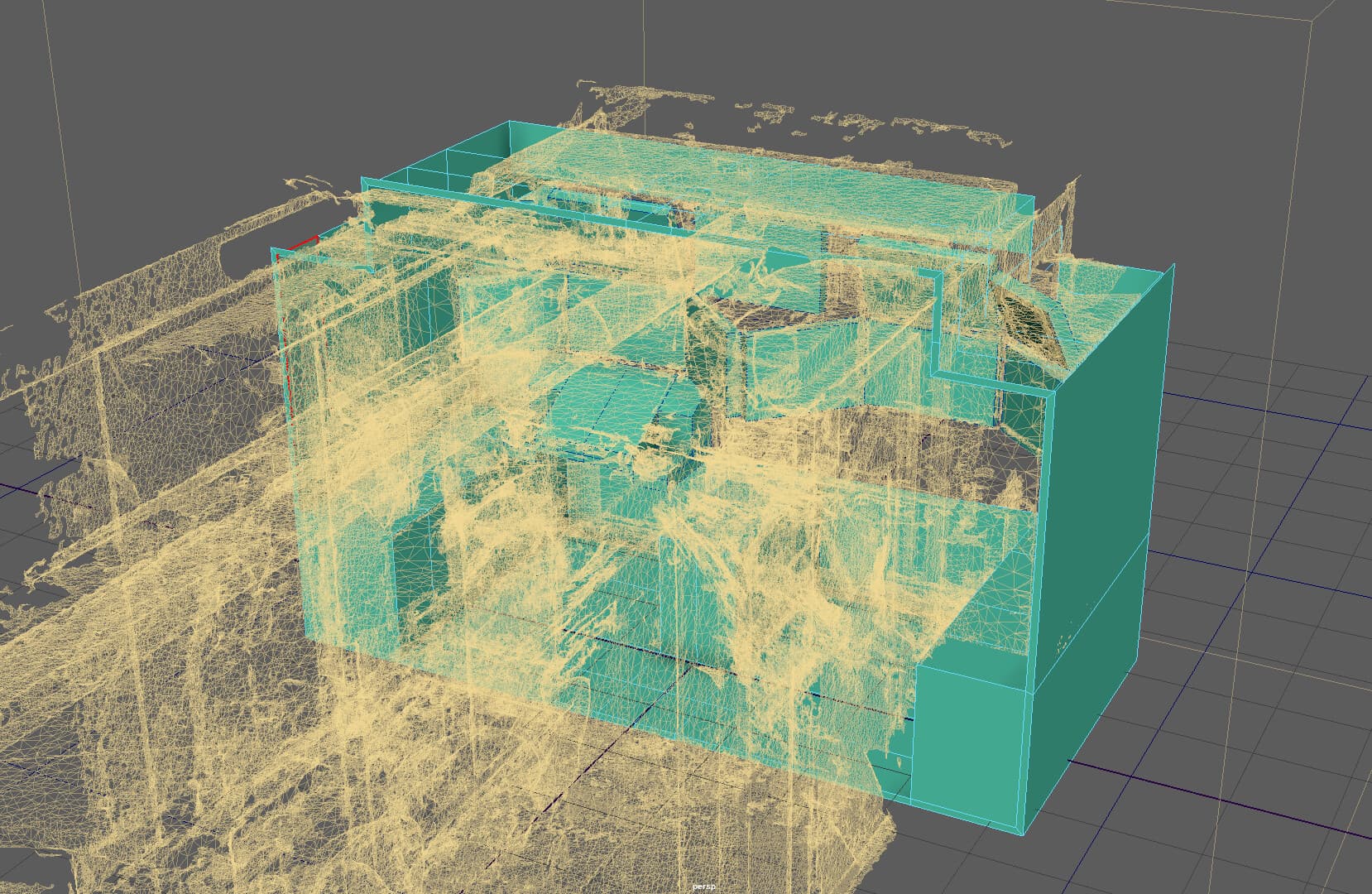
To bring an experience as close to real life as possible, we used scanned data and a lot of image references to build the control center.
We measured distances between big elements like monitors, chairs and walls and constantly checked and double checked our work for consistency.
Our main tools were: Autodesk Maya, Substance Painter, Zbrush and Photoshop.
Geometry Optimization
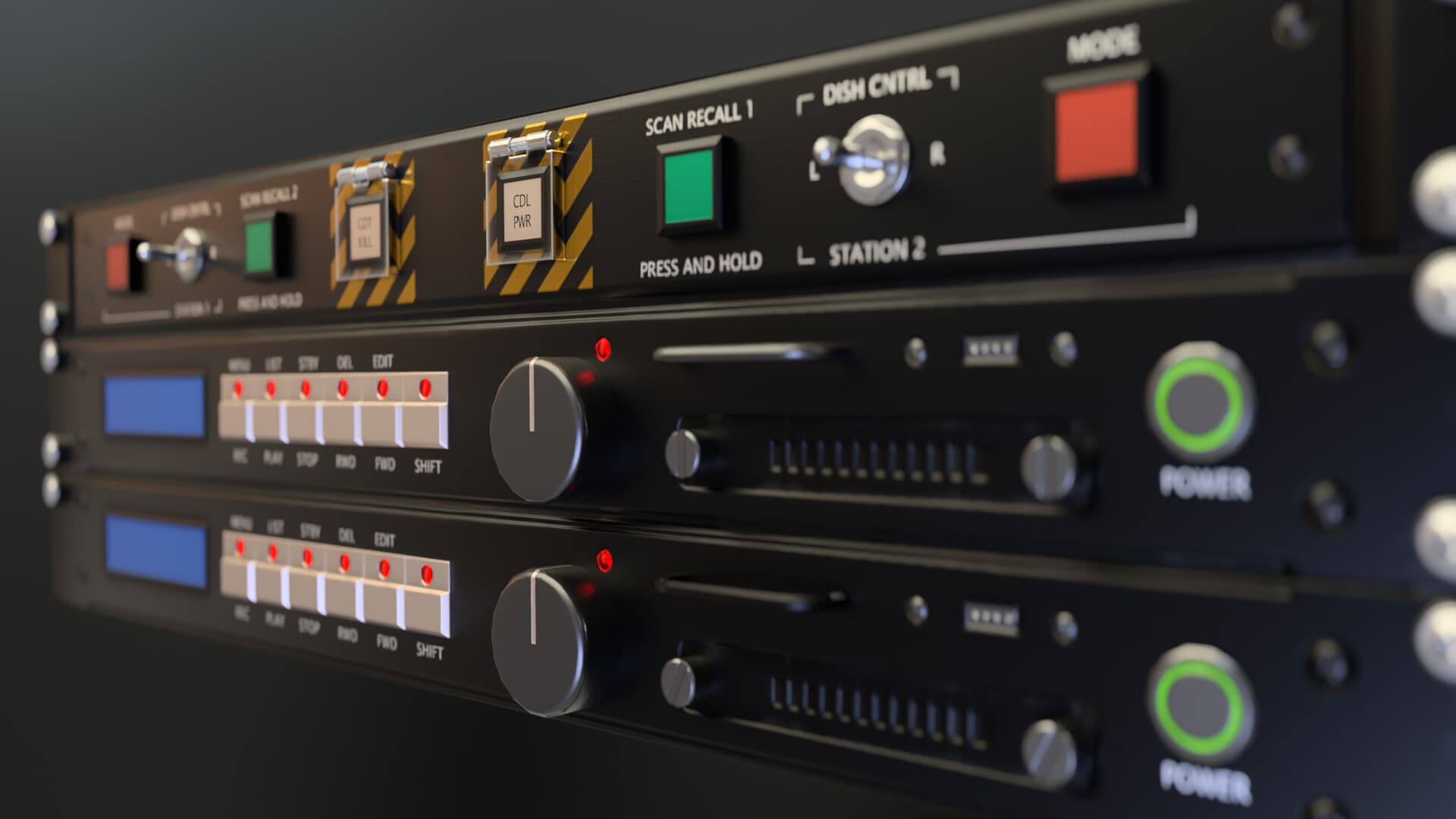
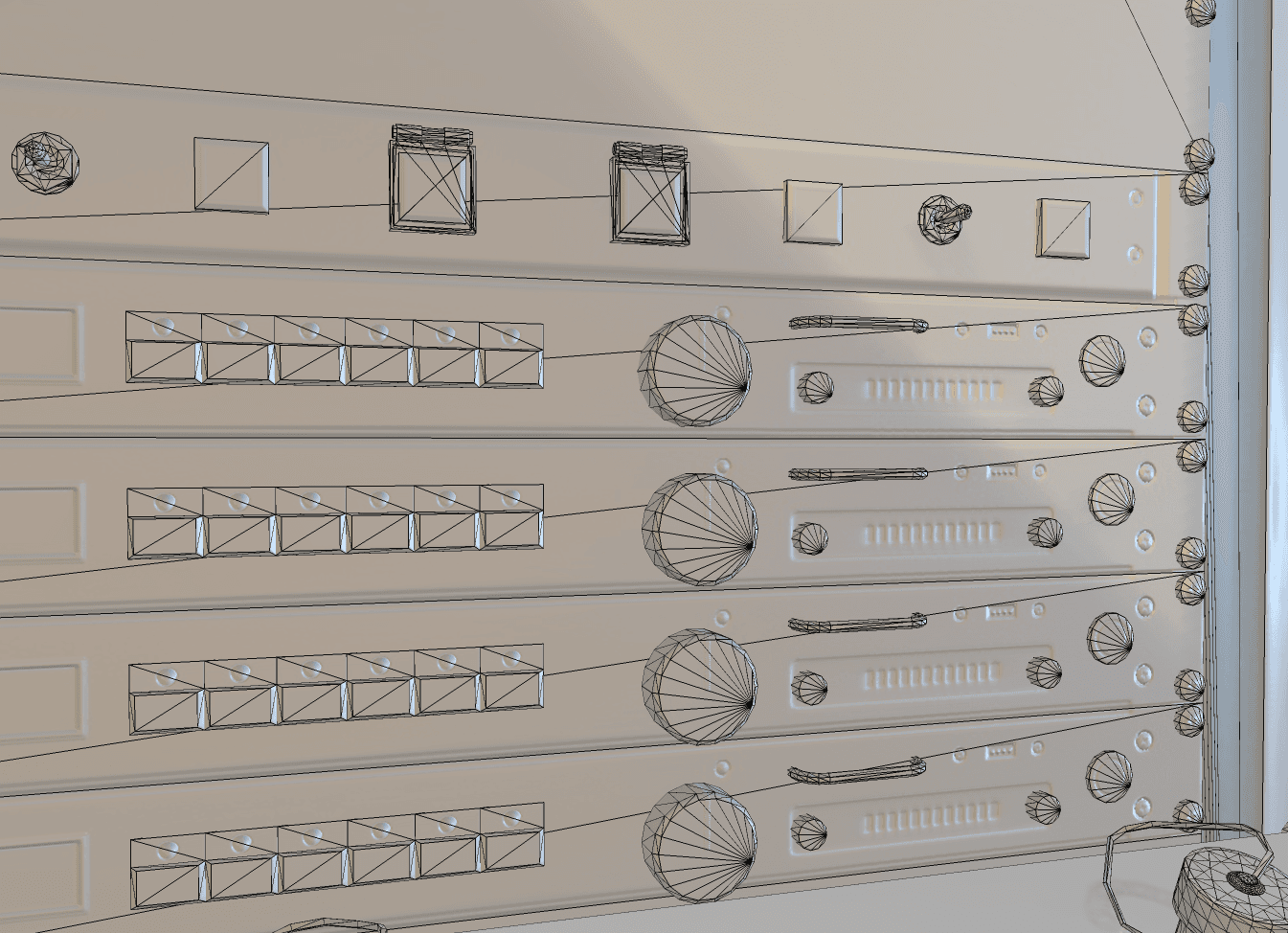
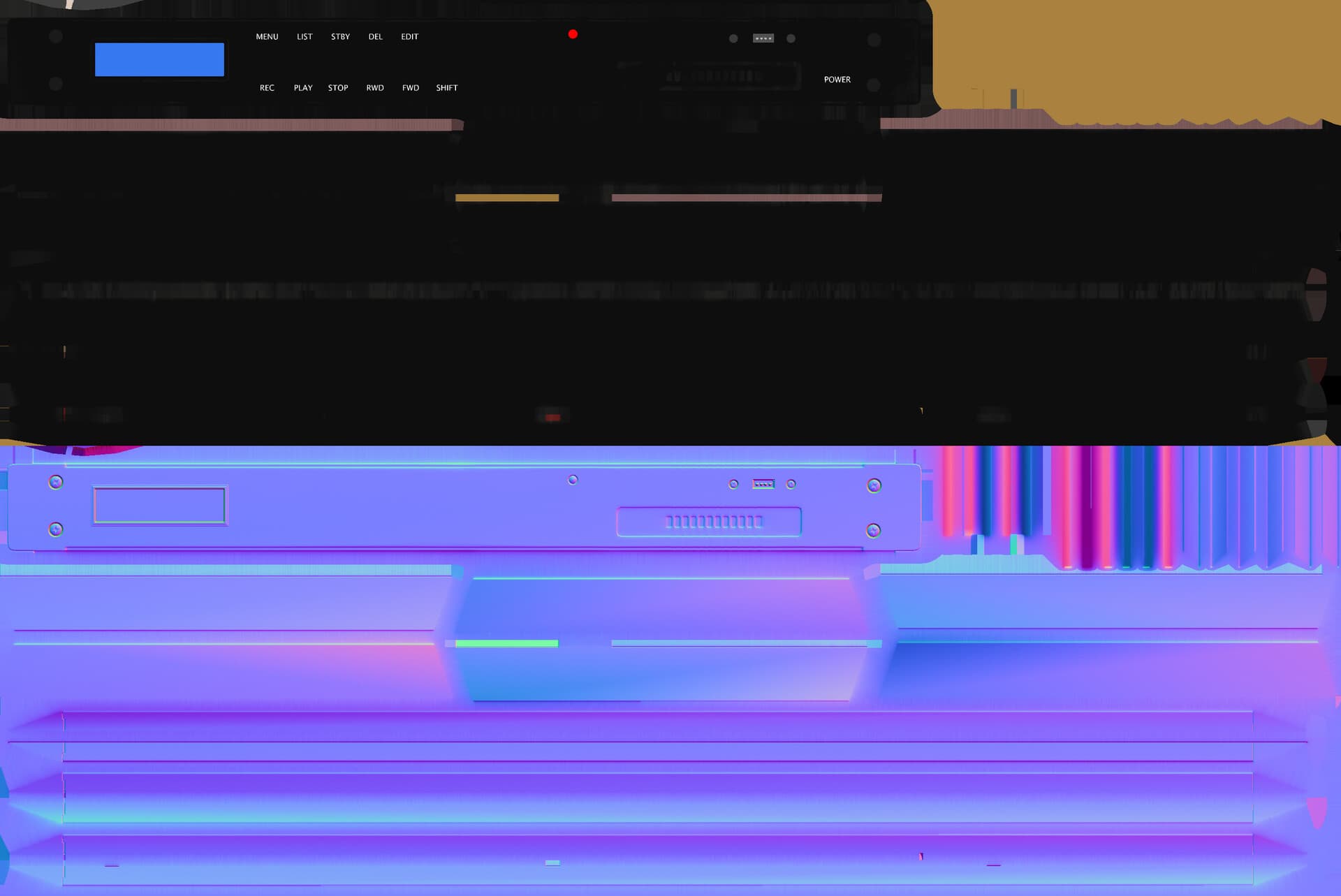
Small panel details and vents were created by baking normal maps from high-poly geo.
We heavily optimized geometry, especially for objects we knew will usually stay far away from camera in the background.
Making Production More Efficient
Some of the equipment in the control center were off-the-shelf commercial products, like the tracking ball mouse. In that case, we had very good orthogonal views that allowed us to quickly model it accurately.
Also, whenever possible, we obtained models, rather than create them in-house.
Photoreal and Optimized Experience
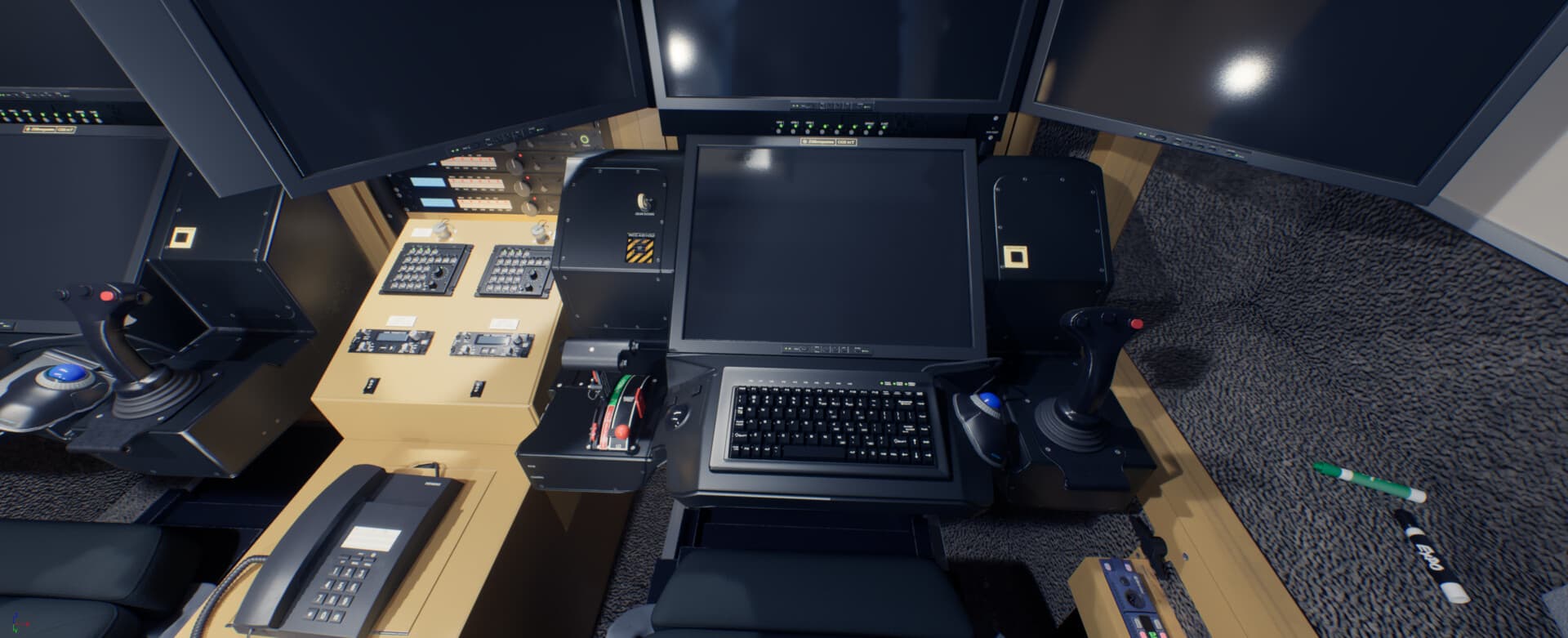
We achieved our goal of creating a photorealistic and optimized experience that runs well on VR headsets by working together as a team and collaborating with developers, running tests and reiterating.
 Calendly